


OK At first we will create the XML that contains a TextView.
marqueetext.xml
<RelativeLayout xmlns:android="http://schemas.android.com/apk/res/android"
    xmlns:tools="http://schemas.android.com/tools"
    android:layout_width="match_parent"
    android:layout_height="match_parent" >

   <TextView
    android:text="Really Long Scrolling Text Goes Here.... ..... ............ .... ...."
    android:singleLine="true"
    android:ellipsize="marquee"
    android:marqueeRepeatLimit="marquee_forever"
    android:scrollHorizontally="true"
    android:id="@+id/TextView03"
    android:padding="5dip"
    android:layout_width="wrap_content"
    android:layout_height="wrap_content" />

</RelativeLayout>
Now the java code
package com.example.marqueetext;

import android.app.Activity;
import android.os.Bundle;
import android.view.Menu;
import android.widget.TextView;

public class Marqueetext extends Activity {

    @Override
    public void onCreate(Bundle savedInstanceState) {
        super.onCreate(savedInstanceState);
        setContentView(R.layout.marqueetext);

        TextView tv = (TextView) this.findViewById(R.id.TextView03);
        tv.setSelected(true);  // Set focus to the textview

    }

    @Override
    public boolean onCreateOptionsMenu(Menu menu) {
        getMenuInflater().inflate(R.menu.marqueetext, menu);
        return true;
    }
}
Note : The XMl alone will not create the marquee. For that the most important thing is to do this in java code.
tv.setSelected(true); // Set focus to the textview
Now run the project and see the result.
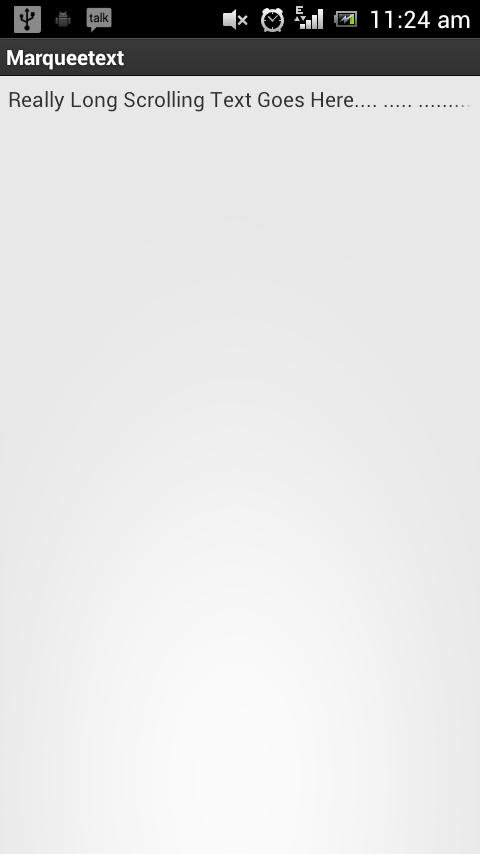
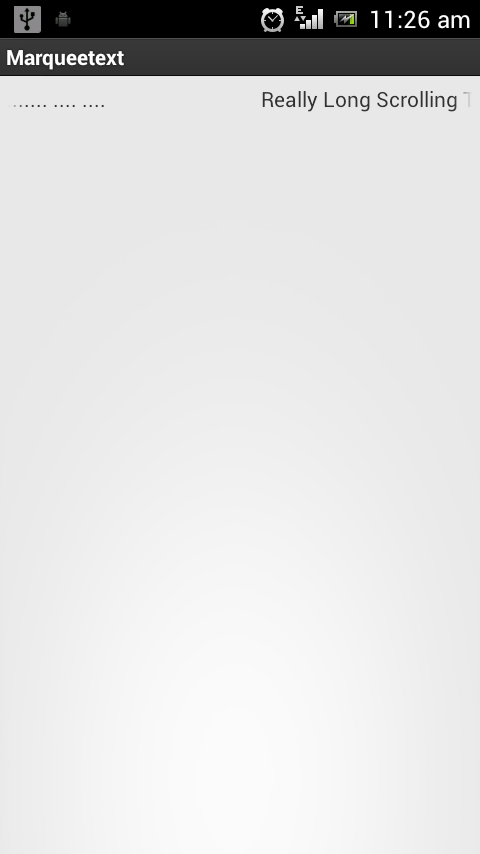
bhenchod fudu bnaya sala ..ruk krke dekh only text stay hota hai..marquee nhi bc..
Thanks for sharing 🙂
getMenuInflater().inflate(R.menu.marqueetext, menu);
In the above line i’m getting an error and that’s it…….
regarding that the code was very good and easily understandable…..
what is the error you are getting? Is it crashing the application?
how can i make marque to scroll only once and only till the end of text???
Try changing “android:marqueeRepeatLimit”
The code was easily understandable but i want to add more than one options in single marquee….can u plss suggest the code
what do you mean by “more than one options”?
its really good site for understanding the android code