


This is a simple example to how to stream an audio in android.
Here is the java code for that.
package com.coderzheaven.pack;

import android.app.Activity;
import android.app.ProgressDialog;
import android.media.AudioManager;
import android.media.MediaPlayer;
import android.media.MediaPlayer.OnCompletionListener;
import android.media.MediaPlayer.OnErrorListener;
import android.media.MediaPlayer.OnPreparedListener;
import android.os.Bundle;
import android.util.Log;
import android.view.View;
import android.view.View.OnClickListener;
import android.widget.Button;
import android.widget.Toast;

public class StreamAudioDemo extends Activity implements OnClickListener,
OnPreparedListener, OnErrorListener, OnCompletionListener {

    MediaPlayer mp;
    ProgressDialog pd;
    public void onCreate(Bundle savedInstanceState) {
    super.onCreate(savedInstanceState);
    setContentView(R.layout.main);
    Button bt = (Button)findViewById(R.id.play);
    bt.setOnClickListener(this);
}

   @Override
   public void onPrepared(MediaPlayer mp) {
       Log.i("StreamAudioDemo", "prepare finished");
       pd.setMessage("Playing.....");
       mp.start();
  }

  @Override
  public void onClick(View v) {
       try
        {
    	    pd = new ProgressDialog(this);
    	    pd.setMessage("Buffering.....");
    	    pd.show();
            mp = new MediaPlayer();
            mp.setAudioStreamType(AudioManager.STREAM_MUSIC);
            mp.setOnPreparedListener(this);
            mp.setOnErrorListener(this);
            mp.setDataSource("http://www.robtowns.com/music/blind_willie.mp3");
            mp.prepareAsync();
            mp.setOnCompletionListener(this);
        }
        catch(Exception e)
        {
            Log.e("StreamAudioDemo", e.getMessage());
        }
  	}

  	@Override
  	public boolean onError(MediaPlayer mp, int what, int extra) {
      pd.dismiss();
      return false;
  	}

	@Override
	public void onCompletion(MediaPlayer mp) {
		pd.dismiss();
		Toast.makeText(getApplicationContext(), "Completed", Toast.LENGTH_LONG).show();
	}
}
This is the xml that contains the button.
<?xml version="1.0" encoding="utf-8"?>
<LinearLayout xmlns:android="http://schemas.android.com/apk/res/android"
    android:orientation="vertical"
    android:layout_width="fill_parent"
    android:layout_height="fill_parent"
    >
<Button
    android:layout_width="fill_parent"
    android:layout_height="wrap_content"
    android:text="Stream Audio and Play"
    android:id="@+id/play"
    />
</LinearLayout>
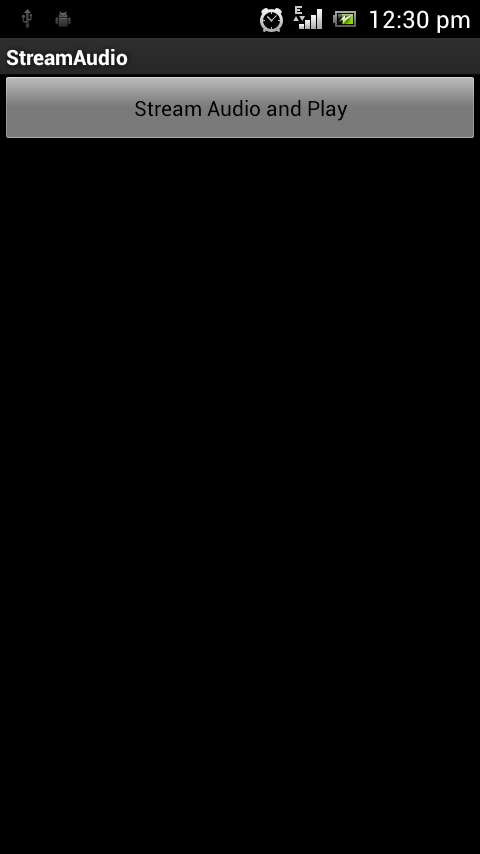
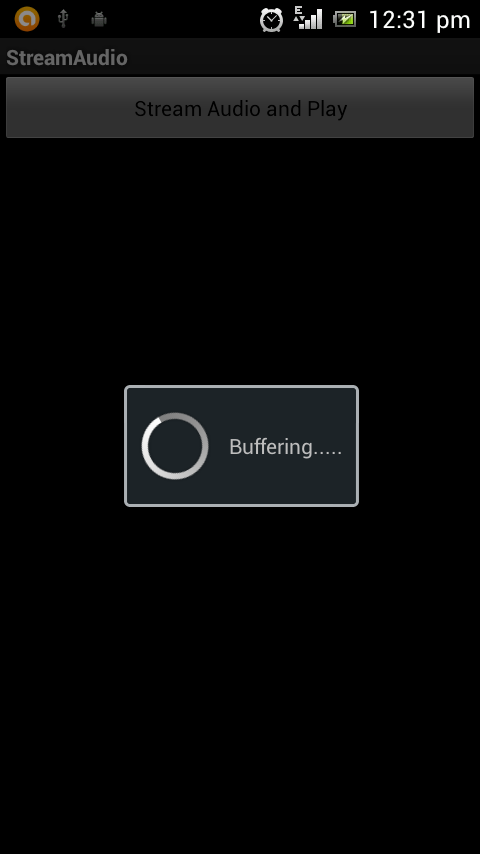
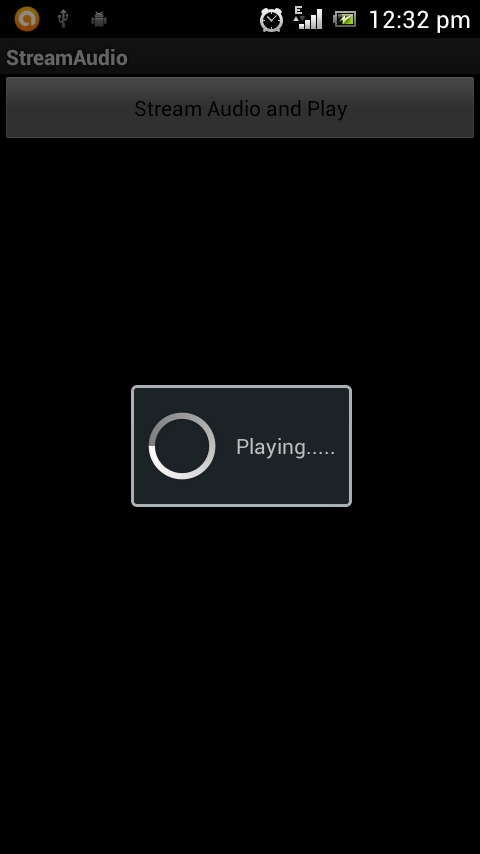
When you run this program you will see a button and on clicking on that button you will see a dialog with message “Buffering…..”. Once the buffering is complete the audio will be start playing.
Please leave your valuable comments on this post.
hello, i am using this code but unfortunately it is not working
only showing buffering dialog and completed message is shown but audio in not playing
Check your audio url manually once.
Thanks Man,
But how can i make the play button to play/pause Button?
i have tried to put an if else statements but the app is crashing 🙁
Simply put a flag to check whether playing started and change the text of “Play” button to “Pause”.
Hello
Could you help me create an audio stream listview and then download the file by clicking on the desired audio?
Thank you
can any one tell me how can stream more then one song in this code